


Active Directory and MS SQL on VPS: Why Windows VPS Is the Only Choice

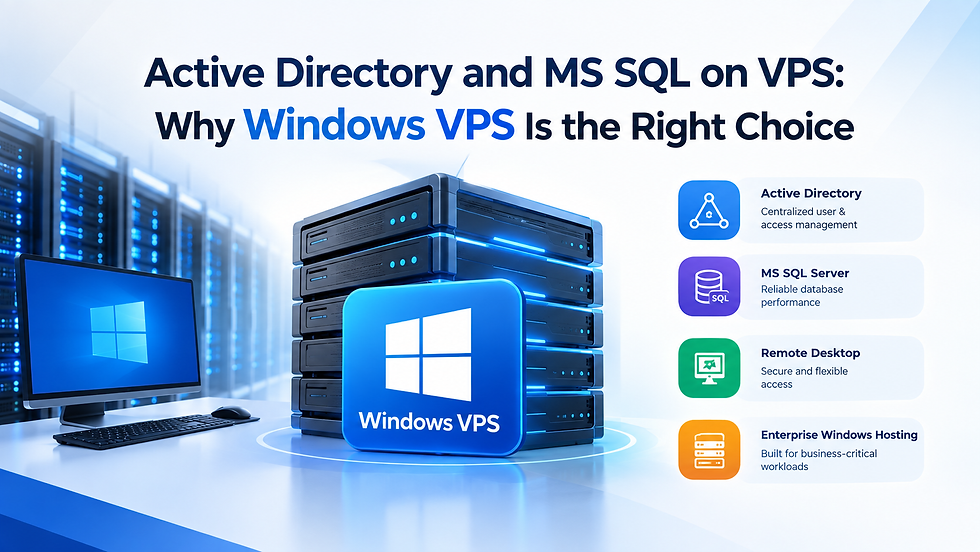
Businesses running Microsoft-based applications often need a server environment that supports Windows-specific technologies. A Windows VPS provides the flexibility needed to deploy services such as Active Directory, Microsoft SQL Server, and Remote Desktop.
Why Use Windows VPS for Active Directory?
Active Directory is designed around the Windows Server ecosystem. A Windows VPS can be configured as a domain controller and used to manage users, computers, permissions, and security policies from a centralized environment.
A typical Windows VPS Active Directory setup may include:
Windows Server
Active Directory Domain Services (AD DS)
DNS
User and group management
Group Policy
Secure remote administration
This makes Windows VPS useful for businesses that need centralized identity and access management without maintaining physical servers.
Running MS SQL Server on a VPS
Microsoft SQL Server is another common enterprise workload. An MS SQL Server VPS provides dedicated virtual resources for hosting databases and applications.
Depending on your workload, you can configure CPU, RAM, SSD/NVMe storage, backups, and security controls according to your database requirements.
Windows VPS is particularly convenient when SQL Server needs to integrate with other Microsoft technologies.
Remote Desktop Server Hosting
Remote Desktop Server Hosting allows authorized users to securely access Windows applications and server resources remotely.
A Windows VPS can be configured with Remote Desktop Services for remote administration or business applications, subject to the appropriate Microsoft licensing and access requirements.

Why Windows VPS for Enterprise Windows Hosting?
For businesses using Active Directory, MS SQL Server, Windows applications, and Remote Desktop, Windows VPS provides a compatible and centralized hosting environment.
Instead of managing separate physical infrastructure, organizations can use virtual server resources while maintaining control over their Windows-based workloads.
Frequently Asked Questions
1. Can Active Directory run on a Windows VPS?
Yes. A Windows VPS can be configured with Active Directory Domain Services for centralized user, device, and access management.
2. Can I host MS SQL Server on a VPS?
Yes. MS SQL Server can be hosted on a Windows VPS with suitable CPU, RAM, storage, and licensing based on your workload.
3. Is Windows VPS required for Remote Desktop?
For Windows-based Remote Desktop Services, a Windows Server environment is the appropriate choice, along with the required Microsoft licensing.
4. Is Windows VPS better than Linux VPS for enterprise applications?
For applications that depend on Active Directory, MS SQL Server, IIS, or other Windows-specific technologies, Windows VPS is generally the more suitable option.
5. Is Windows VPS suitable for business hosting?
Yes. Windows VPS can support business applications, databases, remote access, and other enterprise workloads with scalable virtual resources.
Conclusion
A Windows VPS is a practical solution for businesses that rely on Active Directory, MS SQL Server, Remote Desktop, and other Windows-based applications. It provides the compatibility and resources needed to run these workloads in a flexible virtual environment.
If your business depends on Microsoft technologies, choosing a Windows VPS can simplify deployment, management, and future scalability.



Comments